ICS Calendar & Merger Studio
Generate .ics invites, 1-click Google/Outlook links, and merge/deduplicate .ics files.
Timezone Overlap Planner
Compare overlapping business hours across global cities on an interactive 24h slider.
vCard (.vcf) Contact Studio
Convert CSV address books to vCard 3.0/4.0 and split or merge .vcf files locally.
Why Calendar Invites Break Across Google, Outlook, and Apple Calendar
Whether you are launching a webinar, sending customer onboarding invites, or consolidating five separate .ics conference tracks into a single schedule, calendar interoperability is notoriously fragile.
A .ics file that opens fine in Google Calendar will often throw a cryptic "Cannot import vCalendar file" error in desktop Microsoft Outlook or truncate long Zoom/Google Meet URLs in Apple Calendar if it violates RFC 5545 (Internet Calendaring and Scheduling Core Object Specification).
Furthermore, most commercial "Add-to-Calendar" SaaS widgets charge monthly subscription fees just to host a static .ics file, cap monthly event views, and track every attendee click.
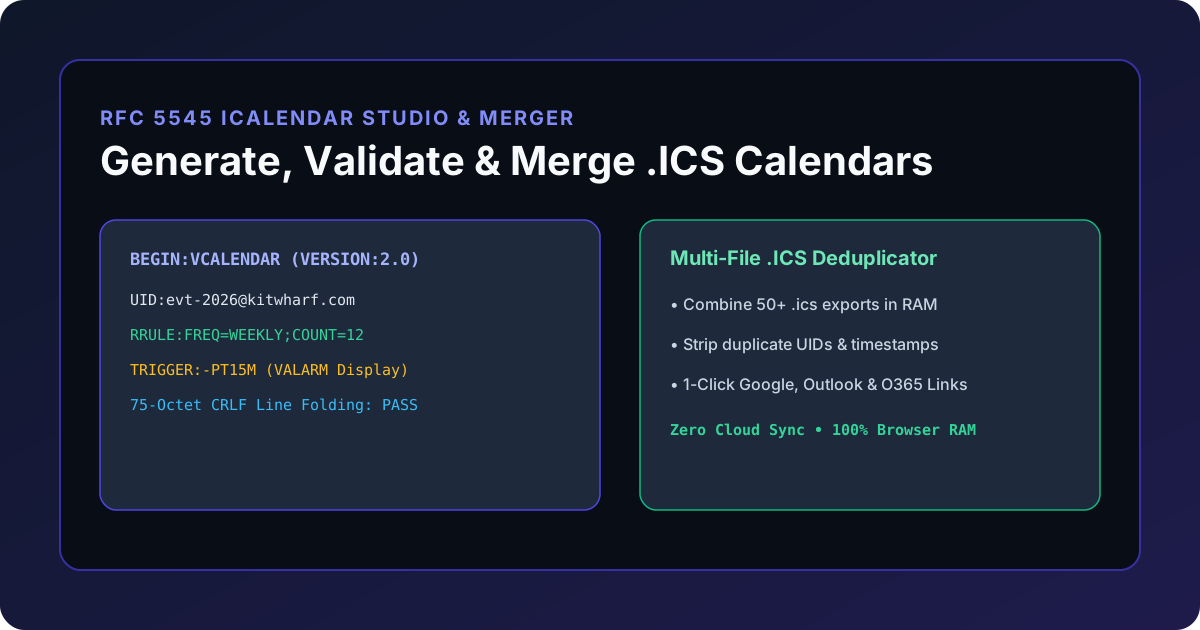
With the KitWharf ICS Calendar Event Generator & Multi-File Merger, you can generate strictly compliant RFC 5545 .ics invites, build unlimited 1-click Google / Outlook / Office 365 / Yahoo deep links, and merge or deduplicate dozens of .ics files 100% locally in your browser RAM.
Anatomy of a Strict RFC 5545 VCALENDAR Payload
Every valid iCalendar file must wrap one or more VEVENT components inside a VCALENDAR container terminated by CRLF (\r\n) line breaks:
BEGIN:VCALENDAR
VERSION:2.0
PRODID:-//KitWharf//RFC 5545 iCalendar Studio//EN
CALSCALE:GREGORIAN
METHOD:PUBLISH
BEGIN:VEVENT
UID:evt-20261201-arch-review@kitwharf.com
DTSTAMP:20261121T120000Z
DTSTART:20261201T150000Z
DTEND:20261201T160000Z
SUMMARY:KitWharf Product Architecture Review
LOCATION:https://meet.google.com/abc-defg-hij
STATUS:CONFIRMED
RRULE:FREQ=WEEKLY;COUNT=10
BEGIN:VALARM
TRIGGER:-PT15M
ACTION:DISPLAY
DESCRIPTION:Reminder: KitWharf Product Architecture Review
END:VALARM
END:VEVENT
END:VCALENDAR
The 75-Octet Line Folding Rule (RFC 5545 Section 3.1)
Under RFC 5545 Section 3.1, no content line may exceed 75 octets (excluding the line break). When a DESCRIPTION or LOCATION line is longer than 75 characters, it must be split using a CRLF immediately followed by a single space ( ) or horizontal tab. When calendar clients read the file, they "unfold" any CRLF + space sequence back into a continuous string.
The KitWharf ICS Calendar Tool automatically folds all output lines at 75 characters and includes a live RFC 5545 Compliance Auditor in Tab 3.
Feature Comparison: KitWharf .ICS Studio vs. Paid Add-to-Calendar SaaS vs. Manual Editing
| Feature / Requirement | Paid Add-to-Calendar SaaS Widgets | Manual Text / Script Editing | KitWharf ICS Calendar Studio |
|---|---|---|---|
| Data Privacy & Attendee Emails | Stored on third-party cloud databases | Local | 100% Local Browser RAM (Zero Uploads) |
| Monthly Cost & View Quotas | $15–$49/mo with impression limits | Free | $0.00 Unlimited Forever |
| 1-Click Web Calendar Deep Links | Google, Outlook, Office 365, Yahoo | Manual URL parameter encoding | Instant Copy & Test for All 4 Platforms |
Multi-File .ICS Merger & Dedupe |
Not supported | Tedious manual VEVENT splicing |
Drop 50+ .ics files + UID Deduplication |
Export Calendar to .CSV Sheet |
Paid export | Requires Python script | 1-Click .CSV Agenda Export |
| RFC 5545 75-Octet Line Folding | Automatic | Prone to human error | Automatic + Tab 3 Compliance Validator |
How to Merge & Deduplicate Multiple .ICS Files Without Command-Line Scripts
If you export calendars from multiple workspaces, university course schedules, or multi-track conferences, importing five separate .ics files often creates duplicate entries whenever shared events overlap.
- Open Tab 2 (Multi-File .ICS Merger) in the ICS Calendar Event Generator & Merger.
- Click Add .ICS Files and select 2 to 50+
.icsfiles from your computer. - Choose your deduplication strategy:
- Event UID (RFC 5545 Standard): Collapses events that share the same globally unique
UIDacross exports. - Summary + Start Timestamp: Collapses events with identical titles and
DTSTARTtimes even if two different calendar systems assigned different UIDs.
- Event UID (RFC 5545 Standard): Collapses events that share the same globally unique
- Filter by keyword, remove any unwanted single events, and click Export Merged .ICS or Export .CSV.
Need to coordinate global meeting times before generating your invite? Pair this tool with our World Timezone Overlap Planner and vCard (.vcf) Contact Converter.