Have you ever held a real-world object against your computer monitor—a credit card, a screw, a key, or an adhesive label—trying to verify whether an online product will fit or whether an on-screen blueprint is true to life?
If you have tried using a standard physical ruler on your monitor, you probably noticed that 100 pixels in CSS rarely equals 1 inch in the physical world. A 4K 27-inch desktop monitor packs 163 pixels into every inch, while a 24-inch 1080p office display only has 92 pixels per inch. Because browsers operate purely in virtual CSS pixels, they have no built-in knowledge of your monitor's hardware size.
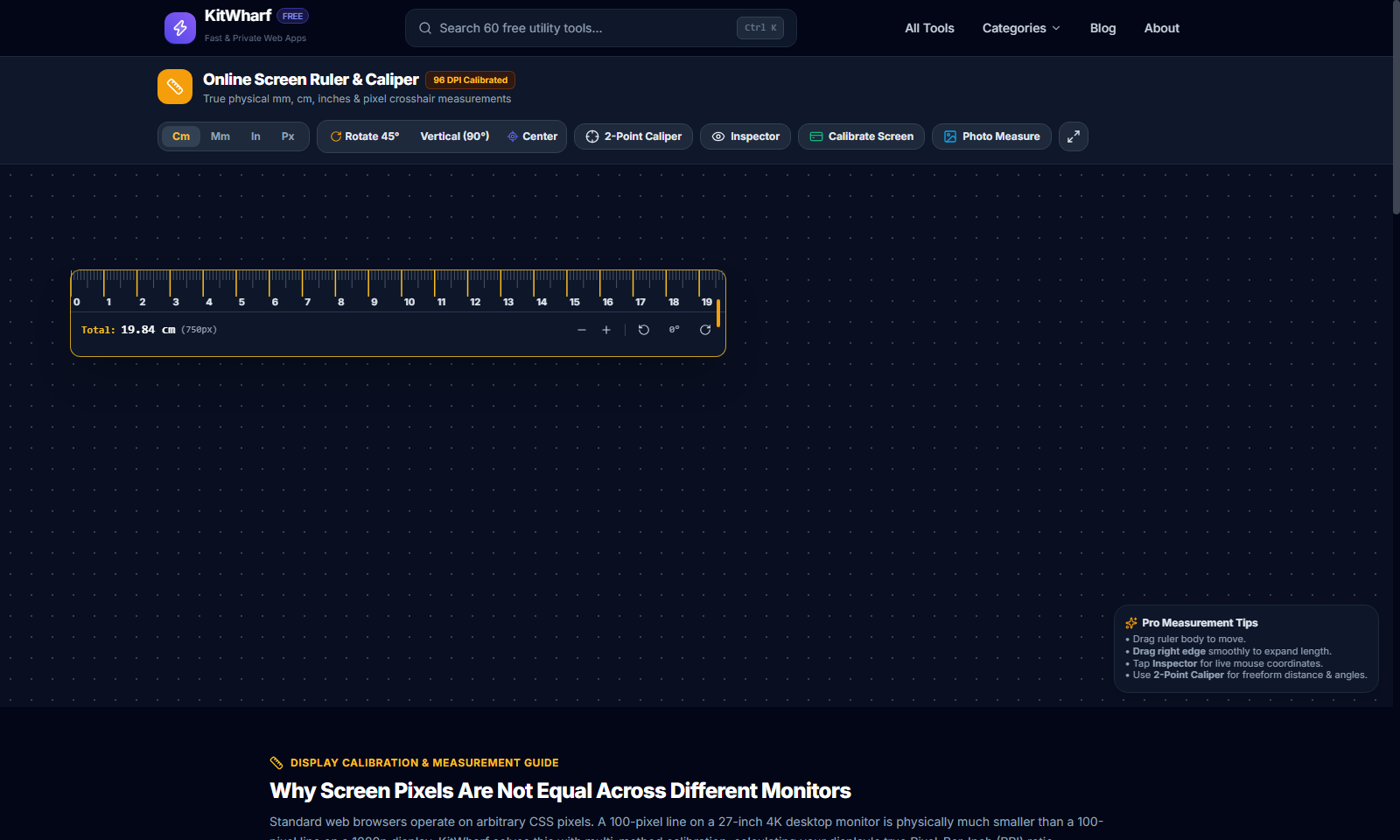
KitWharf ScreenRuler bridges this gap completely. It gives you a 100% free in-browser screen ruler, 360-degree protractor, and 2-point crosshair caliper with standardized 1-click calibration.
The Screen DPI Dilemma: Why Virtual Pixels Don't Equal Real Millimeters
When CSS was standardized in 1996, the World Wide Web Consortium (W3C) defined 1in = 96px. That assumption held true for bulky cathode-ray tube (CRT) monitors of the late 1990s. Today, however, hardware pixel densities vary wildly:
| Display Type | Typical Resolution | Diagonal Size | True Hardware PPI | Discrepancy vs CSS 96 DPI |
|---|---|---|---|---|
| Standard HD Monitor | 1920 × 1080 | 24 inches | ~91.8 PPI | -4.4% (appears smaller) |
| 1440p QHD Gaming Display | 2560 × 1440 | 27 inches | ~108.8 PPI | +13.3% (appears larger) |
| 4K UHD Desktop Monitor | 3840 × 2160 | 27 inches | ~163.2 PPI | +70.0% (drastically compressed) |
| MacBook Retina Display | 3024 × 1964 | 14.2 inches | ~254.0 PPI | +164.5% (scaled via 2x multiplier) |
Without calibration, an on-screen "inch" on a 4K screen would be barely 0.6 real-world inches!
How 1-Click Credit Card Calibration Works
To measure true physical millimeters or inches on your display, you need one universal physical reference.
Under the ISO/IEC 7810 ID-1 standard, every financial debit card, credit card, driver's license, and transit smart card manufactured worldwide has the exact same dimensions:
- Physical Width: Exactly 85.60 mm (3.370 inches)
- Physical Height: Exactly 53.98 mm (2.125 inches)
Step-by-Step Calibration:
- Open KitWharf ScreenRuler in your browser.
- Click the "Calibrate Screen" button in the header.
- Hold any physical credit card or driver's license flat against your screen over the green reference card.
- Drag the slider until the digital card matches the edges of your real card.
- Tap "Apply Calibration".
The tool divides the card's on-screen pixel width by 3.37008 to calculate your display's exact hardware DPI. Your calibration is automatically remembered in your browser's localStorage for all future sessions.
3 Flexible Measurement Modes
1. Rotatable Physical Ruler (cm / mm / in / px)
Drag the ruler anywhere across your screen. Use the rotation buttons to snap by 45° intervals (0°, 45°, 90°, 180°, 270°) to measure vertical elements, sidebar widths, or diagonal layout grids.
2. Digital 2-Point Caliper
Switch to 2-Point Caliper mode to drop two precision crosshair measurement pins:
- Pin A (Indigo): Origin coordinate
(X₁, Y₁) - Pin B (Emerald): Target coordinate
(X₂, Y₂)The floating HUD instantly calculates: - Direct Distance (Hypotenuse):
d = √((X₂ - X₁)² + (Y₂ - Y₁)²) - Horizontal Offset (ΔX):
|X₂ - X₁| - Vertical Offset (ΔY):
|Y₂ - Y₁| - Inclination Angle (θ):
atan2(ΔY, ΔX) × 180 / πin degrees.
3. Photo & Design Mockup Sizing
Have a UI design mockup, floorplan screenshot, or photo of an engineering component? Click "Photo Measure" (or drag and drop your image directly onto the workspace). Place the caliper pins over any feature in the photo to inspect dimensions with zero cloud uploads.
Try ScreenRuler Today
Whether you are verifying whether an eBay product will fit in your desk drawer, measuring padding in web design mockups, or measuring angles for geometry homework, do it in seconds with KitWharf Online Screen Ruler!