HTTP & Webhook Tester
Send REST requests from browser RAM, audit CORS headers, and export cURL/Python/Go.
HAR Network Analyzer
Inspect DevTools HAR waterfalls and scrub cookies and Bearer tokens locally.
JSON to Code Studio
Turn API response JSON into TypeScript, Zod, Python Pydantic, Go, and Rust types.
Why Heavy Desktop API Clients Force Cloud Sync on Your Private Secrets
Over the past few years, bloated desktop API clients have forced developers to sign into cloud accounts and sync collections—including internal staging URLs, production Bearer tokens, and webhook signing secrets—to vendor cloud databases.
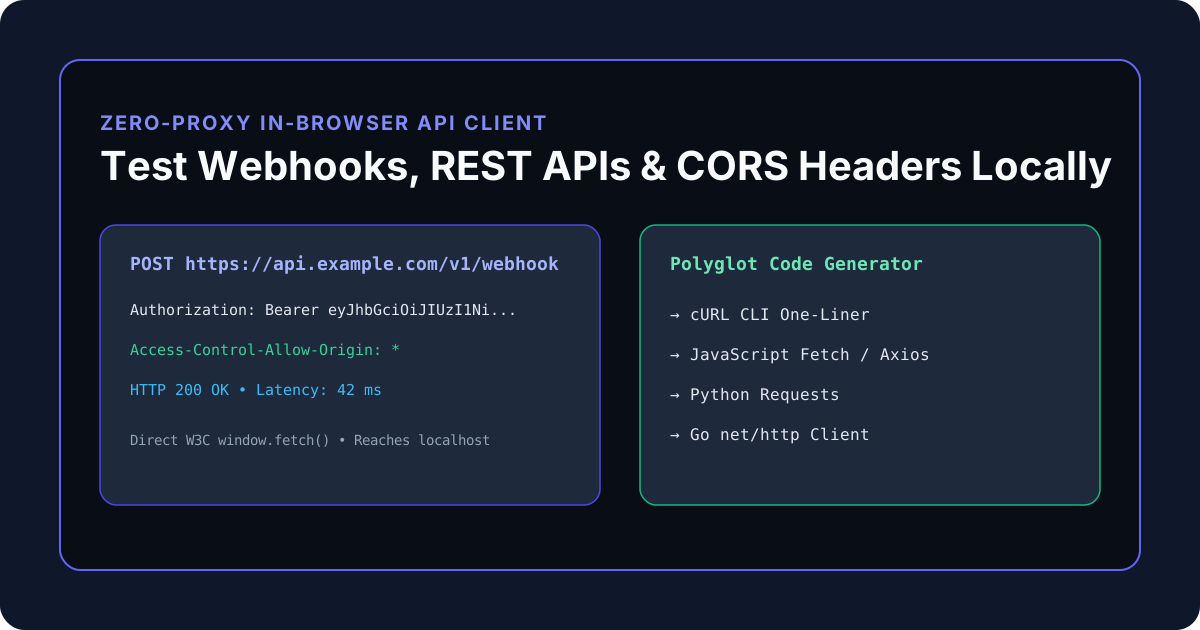
The KitWharf Webhook & REST API Request Builder executes HTTP requests directly from your browser tab using the native W3C window.fetch() API:
- Zero Cloud Proxy Middlemen: Your
Authorization: Bearer ...tokens travel directly from your browser to your target API endpoint. - Native
localhostReachability: Testhttp://localhost:8080orhttp://127.0.0.1:3000endpoints directly without tunnels or desktop agents. - Authentic Browser CORS Verification: Verify whether your backend properly returns
Access-Control-Allow-Originheaders before your frontend ships to production.
| Execution Mode | Reaches localhost Directly? |
Verifies Real Browser CORS? | API Token Privacy |
|---|---|---|---|
| Cloud Proxy Web Clients | No (Requires tunnel/agent) | No (Server-to-server bypasses CORS) | Passes through 3rd-party proxy |
| KitWharf Direct Browser Fetch | Yes (Native loopback) | Yes (Real browser preflight) | 100% Direct Browser-to-API |
Deep Dive: How Browser CORS Preflight (OPTIONS) Actually Works
One of the most common bugs in full-stack web development occurs when an API endpoint works perfectly in terminal curl or a desktop API client, yet fails immediately when called from a React, Next.js, or Vue frontend with:
Access to fetch at 'https://api.example.com/v1/data' from origin 'http://localhost:3000' has been blocked by CORS policy.
Why did curl succeed while the browser failed? Because Cross-Origin Resource Sharing (CORS) is enforced strictly by web browsers. Whenever your frontend sends a request that includes:
- A non-simple HTTP method (
PUT,PATCH,DELETE), - A JSON content type (
Content-Type: application/json), OR - An authentication header (
Authorization: Bearer <token>or customX-API-Key),
the browser automatically pauses your request and dispatches an HTTP OPTIONS Preflight Request first:
OPTIONS /v1/webhook HTTP/1.1
Host: api.example.com
Origin: https://kitwharf.com
Access-Control-Request-Method: POST
Access-Control-Request-Headers: authorization, content-type
For the browser to allow the actual POST request to proceed, your backend server must respond to the OPTIONS preflight with HTTP 200 or 204 and these exact CORS headers:
HTTP/1.1 204 No Content
Access-Control-Allow-Origin: https://kitwharf.com
Access-Control-Allow-Methods: GET, POST, PUT, PATCH, DELETE, OPTIONS
Access-Control-Allow-Headers: Authorization, Content-Type, X-Requested-With
Access-Control-Max-Age: 86400
By testing your endpoints in the KitWharf Webhook & REST API Request Builder and opening Tab 2 (CORS & Security Header Audit), you test the real browser Fetch stack, catching missing Access-Control-Allow-Origin or Access-Control-Expose-Headers misconfigurations before they break production.
Testing Localhost Microservices (localhost:3000, :8000, :8080) Without Tunnels
When developing a local FastAPI (http://127.0.0.1:8000), Go/Gin (http://localhost:8080), or Node/Express backend, cloud-proxied API testers cannot reach your machine unless you expose your local port to the public internet via ngrok or install a privileged desktop daemon.
Because KitWharf executes window.fetch() inside your local browser process, your request stays 100% on your machine's loopback interface:
- Enable CORS middleware on your local dev server (e.g.,
CORSMiddleware(allow_origins=["*"])in FastAPI orapp.use(cors())in Express). - Enter
http://localhost:8000/api/v1/itemsin the HTTP Request Tester. - Attach your local JWT Bearer token and JSON body, click Send Request, and inspect the millisecond response latency and payload in real time.
Translating Tested Requests into Production Code (cURL, Fetch, Python & Go)
Once you have verified that an endpoint returns HTTP 200 OK, switch to Tab 3 (cURL / Fetch / Python / Go Export) to copy ready-to-run production client code:
- Shell / CI Pipelines: Multi-line
curl -X POSTwith escaped-Hheaders and single-quoted JSON-dpayload. - TypeScript / Next.js: Clean
async/await fetch()snippet with typedheadersandJSON.stringifybody. - Python Backend Workers: Idiomatic
requests.request()snippet passingheaders=headersandjson=payload. - Go Microservices: Complete
net/httpclient usinghttp.NewRequest,req.Header.Set, anddefer res.Body.Close().